Skip setup.
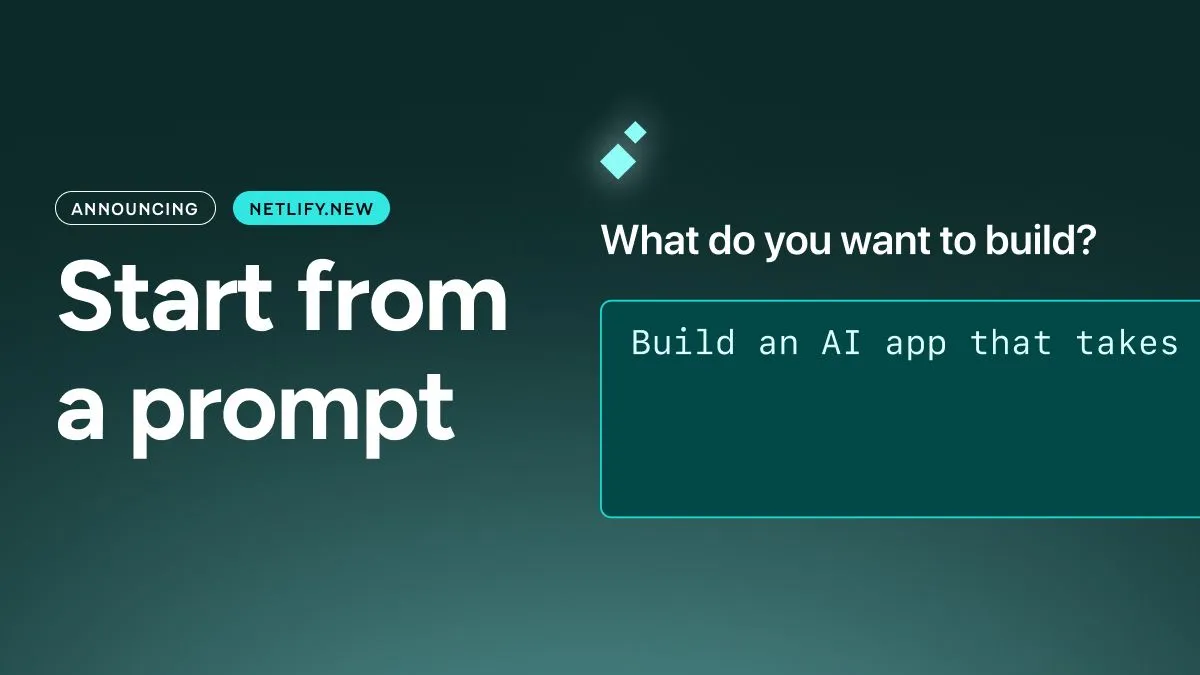
Describe what you want to build, pick your agent – Claude Code, Gemini CLI, or Codex using Agent Runners – and get a live site on production infrastructure in minutes.
Getting live fast only matters if you can keep going. Most tools make you choose between a starting experience and a production platform. Netlify is designed to be both.
We’re hosting a live Community Drop with Mathias Biilmann, Sean Roberts, and the team to walk through these updates, share demos, and answer questions. Join us live on YouTube →
On Netlify, your project starts on the same infrastructure and in the same workflow it ships from. You can move between prompts or code without changing tools, rewriting anything, or migrating later – you start fast and stay in production.
The 70% wall
Building with AI follows a familiar curve. You make rapid progress. You get a live URL, a working UI you’re excited to show off. Then around the 70% mark, momentum stalls.
What slows it down varies depending on your platform:
- A codebase a developer doesn’t want to touch
- A backend tied to a platform you didn’t choose
- Auth added late and not ready for real users
- Bugs that only appear in production
And can leave you with the realization you need to take two steps back before shipping.
Nothing you build here is a dead end
Netlify has been production web infrastructure for over a decade, trusted by teams at Figma, Navan and millions of developers. That’s all underneath your first prompt.
When you ask an agent to build on Netlify, it produces a real codebase built on an open source framework. Whoever picks up the project next can work in their workflows–whether development or prompting–without needing to change a thing.
This lets workflows stay aligned across teams as needs change:
- A prompt-started project grows into a maintained codebase running on production infrastructure
- Agencies hand projects to non-technical clients who can keep iterating with a prompt
- Developers work locally, prototype with prompts, and deploy from the same repository
With Netlify, you’re not forced to choose between code or prompts. Both operate on the same project, infrastructure, and workflow. Making sure nothing gets in the way of shipping.
Ship the idea, not the wiring
Projects tend to slow most when the idea runs into infrastructure. You need auth, APIs, storage, and model access and suddenly you’re signing up for services, pasting variables, and left fighting CORS instead of building your product.
On Netlify, these are all built-in and available from the first prompt:
- Serverless functions. Describe the API endpoint you need.
- AI Gateway. A single managed endpoint for adding AI features with OpenAI, Anthropic, and Gemini models to choose from.
- Identity. Built-in user management and auth with no separate setup.
- Blobs. Store images, generated assets, and attachments.
- Forms. Collect submissions and trigger flows without a backend.
Our new skills and prompt templates make this iteration even easier. Skills guide agents in using Netlify primitives correctly. Prompt templates offer quick access to reusable prompts for common tasks like adding dark mode, command palettes, and SEO checks, and gives teams a way to curate reusable prompts for their own workflows.
Let your org ship with AI
For enterprises, AI-assisted building by non-developers is likely already happening in pockets across teams. Many leaders we talk with now want to safely enable and scale it.
The answer is governance. On Netlify, every project can live in a real repository. Changes are reviewable, deployments follow your existing process, and nothing ships without review.
To strengthen support, we’ve introduced a new Internal Builder role — for product managers, designers, and the rest of the organization to build with agents inside your Netlify, with transparent governance and right level of developer oversight built in.
With Netlify, you can let your organization move quickly without losing visibility into what reaches production.
Start where others stop
This update opens Netlify to a whole new world of builders. Every Netlify account includes 300 credits to start. Each agent run uses credits, so you can experiment and ship before spending anything. Paid plans include additional credits as projects grow.
Start with a prompt at netlify.new.