








Push your ideas to the web

Create with AI or code, deploy instantly on production infrastructure. One platform to build and ship.

Meta
Mighty
Finn
Autodesk
Navan
Zscaler
ServiceTitan
Stack Overflow
Riot Games
Kubernetes
Figma
How it works

Build your way.
Ship on one platform.

Every path runs on the same workflow and production infrastructure, powering millions of sites and apps.

Step 1: Start with code or AI

Start with code or AI

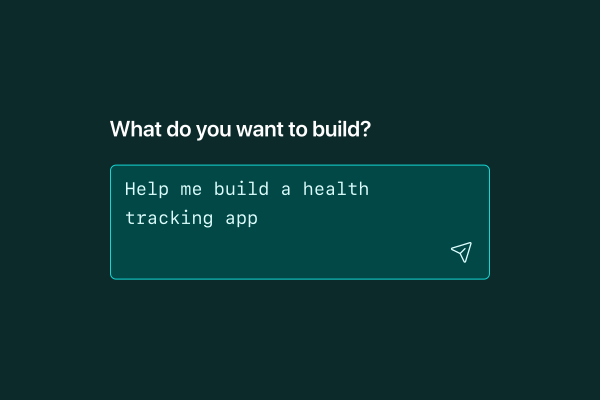
Start with a prompt, push from Git, or drag and drop. All paths lead to the same project.

Step 2: Build fullstack apps

Build fullstack apps

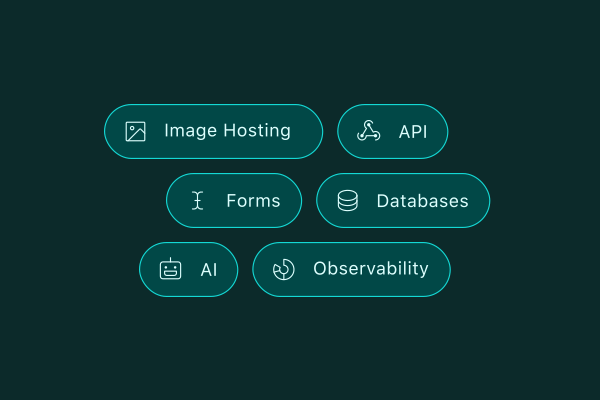
Connect APIs, manage data, optimize images, and add AI features from your first prompt.

Step 3: Deploy globally

Go live everywhere

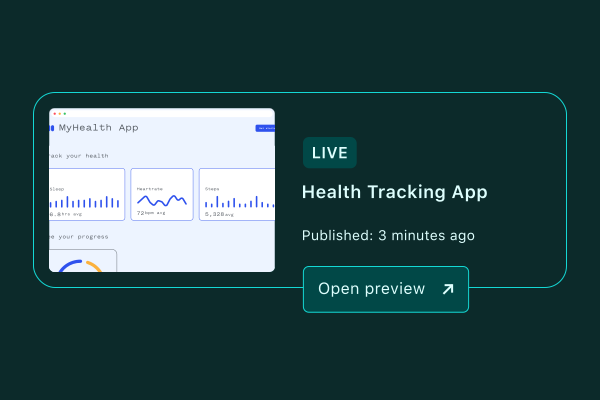
Ship to a global CDN in seconds. Fast for every user, instantly.

Workflow

Prompt. Preview. Repeat.

Prompt from the dashboard, develop locally, or push from Git. Every change gets a preview URL before it's live.

  • Prompt Claude, Gemini, or Codex
  • Deploy from Git, CLI, or drag and drop
  • Preview every change before it's live
  • Roll back any deploy in one click
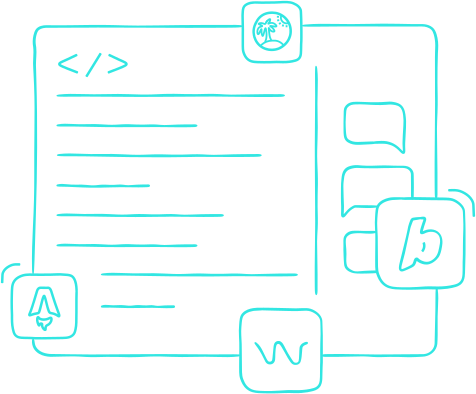
Line drawing illustration of a code editor with HTML tags, multiple lines of code, and surrounding icons including for various AI tools and frameworks.
Platform

Build with agent-ready primitives.

Add APIs, run logic at the edge, schedule jobs, and handle background work on production infrastructure.

  • Build APIs with serverless functions
  • Store data and images with integrated storage
  • Handle auth with built-in identity
  • Connect to AI models through AI Gateway
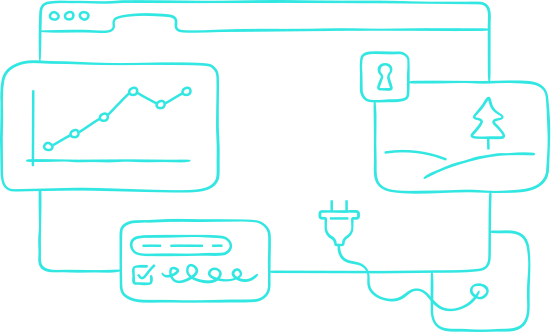
Line drawing illustration of a browser window containing connected elements - a chart showing upward trending data, a security lock icon, a progress bar with checkmark, and a power plug.
Scale

Grow on the same infrastructure.

From your first deploy to global traffic, the same infrastructure supports your growth as you scale.

  • Automatic HTTPS and DDoS protection
  • Manage access, secrets, and env vars by team
  • Global edge network with 99.99% uptime
Line drawing illustration showing two overlapping circles with decorative clouds, one representing a rollback and the other a meter increasing.
I can push a change, and within 30 seconds the site is completely rebuilt.
Jeffrey Sica Kubernetes contributor, Head of Projects at CNCF
Use cases

For every kind of web app.

Build everything from marketing sites to AI apps on one platform.

Launch AI features with one gateway

Prototype, test, and scale AI-powered experiences faster. Product teams can iterate with agents while engineers productionize on the same platform.

  • Prototype and ship AI features with Agent Runners
  • Connect to OpenAI, Anthropic, and Gemini through AI Gateway
  • Deploy backend logic as API endpoints with Serverless Functions
Example: Generate alt text with OpenAI
import OpenAI from "openai";

export default async (req: Request) => {
  const { description } = await req.json();
  const client = new OpenAI();

  const res = await client.responses.create({
    model: "gpt-5-mini",
    input: [
      { role: "user", content: `Write concise alt text for: ${description}` },
    ],
  });

  return Response.json({ altText: res.output_text });
};

export const config = { path: "/api/alt-text" };
10M+developers
60M+apps deployed
99.99%uptime

Start your way.

Choose the workflow that fits how you work.

Start with a prompt
Describe what you want to build. An AI agent handles the rest.
Start for free
Deploy from Git
Auto-deploy on every push. Every PR gets a preview URL.
Import a project
Deploy from terminal
Ship directly from your working directory. No Git required.
npm i -g netlify-cli
Get started with CLI
Drag and drop
Drop your project folder and it's live in seconds. No setup required.
Try Netlify Drop