
Somewhere in your company right now, a product manager just shipped an internal tool built entirely with an AI coding assistant. It pulls data from a production API. It’s hosted on someone’s personal account. Three teams are already using it. Nobody in platform engineering knows it exists.
This isn’t a hypothetical. It’s happening at enterprises across every industry. AI-assisted development has moved well past the experimentation phase, and the people building things aren’t just engineers anymore. Product managers, designers, ops teams — they’re prototyping real applications, solving real workflow problems with internal tools, and sharing what they’ve built. The tools have gotten that good.
If you run the platform, this creates a problem that has nothing to do with the quality of the code. The problem is visibility.
- Who deployed this?
- What data does it access?
- Where is it running?
- Can anyone audit it?
- What credentials did it just inherit?
These are governance questions. And right now, most organizations don’t have good answers.
Blocking access doesn’t work
The instinct to lock things down is understandable. But telling teams “don’t use AI tools” doesn’t actually stop them from using AI tools. It just pushes the activity underground.
One healthcare enterprise we spoke with described the pattern clearly: engineers and non-engineers alike are building apps for personal use, then wanting to share them with their teams or the broader organization. But the company has no straightforward path for that. The centralized deployment model is laborious and confusing — even for technical staff. So people find workarounds: personal hosting accounts, unapproved services. Shadow deployments that nobody can track.
You end up with two undesirable outcomes:
- The productivity gains of AI-assisted development get suppressed.
- Security and compliance risk accumulates where you can’t see it.
The frustrating part is that the people building these tools aren’t doing anything reckless. They’re automating internal workflows, prototyping ideas, or standing up lightweight apps that make their teams more effective. The work is genuinely useful. It just needs a path that doesn’t bypass every control your organization has in place.
The tradeoff trap
So if blocking doesn’t work, what does?
Most enterprises land on one of a few approaches, and each one breaks in its own way. Traditional developer platforms have the governance controls, but you’re not going to teach a product manager to configure Kubernetes. AI-native builders like Lovable get thoughts out fast — but your security team has no visibility into what got deployed or where it’s running and a developer can’t just pick up the codebase to productionize it.
Option 1: centralized control, IT bottleneck
Low-code tools like Retool or Superblocks shift the burden to IT, which tends to kill adoption. We’ve seen enterprises try that route only to have IT push back because the justification was a handful of anecdotes, not org-wide demand. The tools sat unused.
Option 2: internal platform, no momentum
The build-it-ourselves option. One enterprise we spoke with started standing up an internal app hub using Backstage, intending to catalog contributions from across the organization. It’s a reasonable idea on paper. In practice, the project lost momentum the moment its champion got pulled onto other priorities. That story repeats constantly.
The pattern is the same everywhere: each option solves one part of the problem and introduces new friction somewhere else.
What the platform team actually needs
Strip away the product names, and the question is simple: how do you let more people build and ship applications without losing control over what gets deployed, where it runs, and who can access it?
To start, prototyping and production need to live in the same system. There should be no migration gap where governance falls through. Role-based access should map to the identity provider you already manage. Staging and production should be properly separated. Audit logs should exist by default. And if AI models are involved, credentials and provider access should be managed at the platform level, not by individual users spinning up their own API keys.
None of this is exotic. It’s just table stakes that most current approaches don’t deliver in one place.
Where Netlify fits
Netlify already runs millions of production sites and applications. What’s changed is that the same platform, with Agent Runners, now supports the ability for anyone to create internal tools and apps, with the same governance layer underneath.
Take the identity piece. Netlify integrates with SAML 2.0, SCIM, and SSO — Okta, Azure AD, whatever your org already uses. You define roles at the team level: who can build, who can review, who can push to production. Those boundaries are enforced by the platform, not by process.
That now includes roles designed specifically for non-technical builders. With Netlify’s Internal Builder role, product managers, designers, and ops teams can create and ship internal tools without direct access to production infrastructure or sensitive configuration. They can build, iterate and deploy within guardrails while platform teams retain control over the infrastructure and system configuration.
Those guardrails determine how work gets deployed. Every new app and update generates a deploy preview – a reviewable URL that exists before anything hits production.
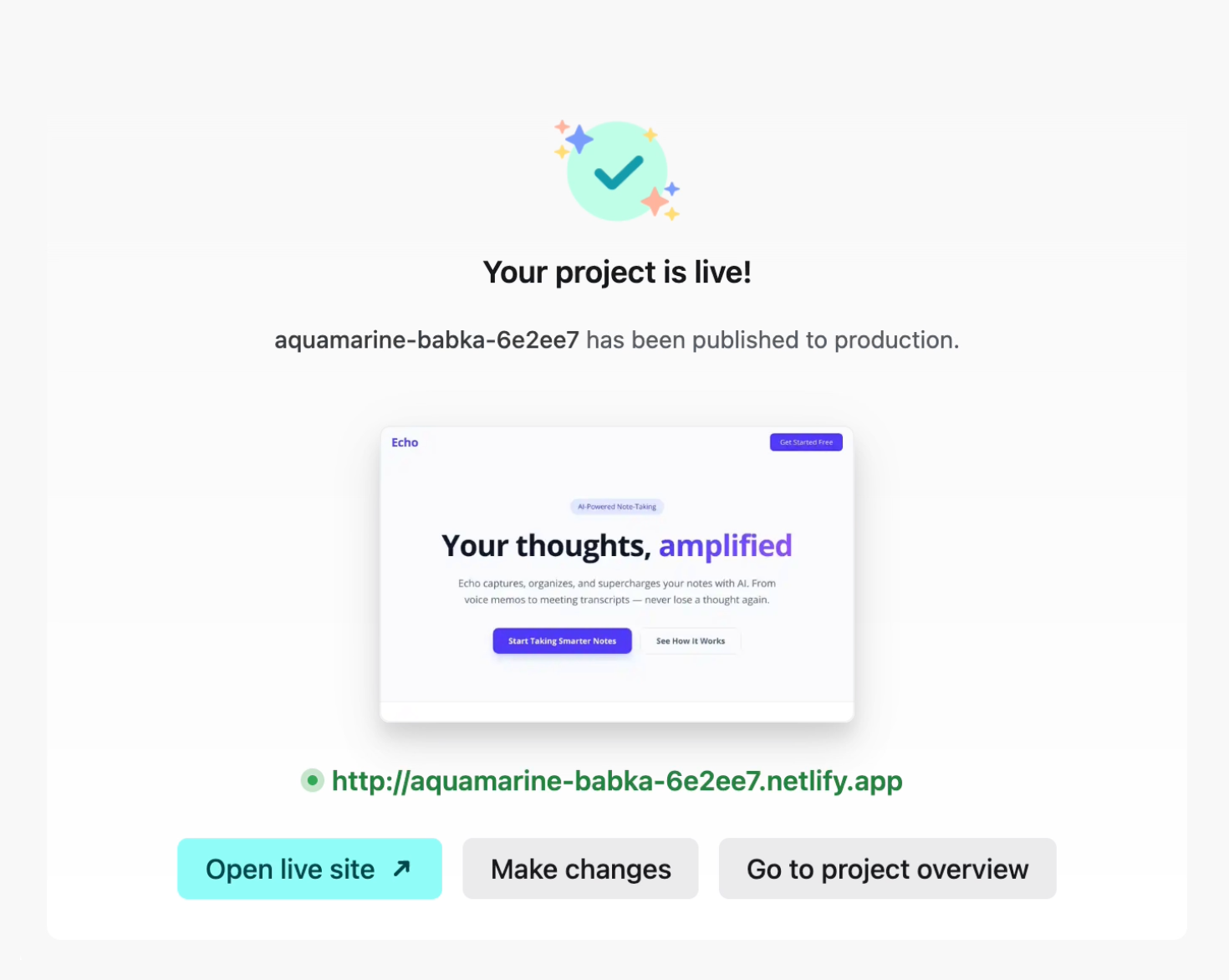
So when an analyst builds an internal financial dashboard they’re able to publish and iterately freely. While a product manager can prototype against their customer-facing SaaS application using Agent Runners (Netlify’s built-in, prompt-based workflow), the app goes through the same review flow as a code change from engineering.
- The HR team can build an offsite page with a form collection.
- The partnerships team can rebuild a landing page.
- The ops team can create an internal dashboard to track vendors & project status.
With Netlify, engineering doesn’t have to be involved in every build, but they never lose sight of what’s being deployed.
Governance, by design
If you want teams to move fast without creating unnecessary risk, governance has to be built into the platform itself. Netlify does this by default.
Centralized AI model access
Instead of a dozen teams each procuring their own OpenAI or Anthropic API keys, the gateway provides credentials at the account level. Your security team evaluates one integration point. Data doesn’t leak to providers for model training. And if you need to swap providers later — say, from OpenAI to Gemini — that’s a platform-level change, not a rewrite.
Environment and secret management
Environment controls round out the picture. Team-level secrets (a read-only Jira key, for example) get stored once and scoped per environment. Staging and production use different credentials automatically. Audit logs capture who deployed what and when.
Auditability & observability by default
The upshot for platform teams: you set up the guardrails once, and then you’re enabling builders instead of chasing shadow deployments.
Better defaults
The organizations getting AI adoption right aren’t the ones that found a way to block it. They’re the ones that built a path where governance is the default.
That’s what Netlify provides. One platform where prototyping and production coexist, access controls follow your existing identity systems, and every deployment is auditable from the start. There’s no separate governance layer to maintain, and no security review after the fact.
If you’re spending more time chasing shadow deployments than enabling people to build, get in touch. Or start with the free tier and see how a goverened path can look like in practice.