
In today’s AI-assisted development workflows, your agents might be shipping code faster than you can keep track. Automated deploys can be triggered at any time, including outside of typical working hours, which can make it easy to miss critical issues if you’re not notified. If something breaks, you may not know until users complain.
With Netlify Pro and Slack notifications, you stay in control. Whether it’s a failed build, a rogue commit, or an unexpected deploy from your AI tools, you’ll get notified instantly so your whole team can respond in real time.
For devs who care about optimizing their workflows, things like speed, visibility, and quality assurance are critical. Tools like GitHub Copilot, Claude Code, codegen agents, and CI/CD pipelines and automation tools are now writing and deploying code automatically, often many times a day. But when build and deploy notifications live solely in the Netlify Dashboard or your email inbox, they can slip through the cracks.
Although devs who optimize their workflows with AI can now ship more frequently and automatically, at the end of the day, humans still own the quality and reliability of their work. Devs are accountable for uptime and user experience – even when bots do the heavy lifting. With Netlify’s Slack integration, real-time alerts ensure that nothing is missed.
Integrating Netlify with Slack can help you keep track of the build and deployment status of your projects, while also allowing you to control the volume and type of notifications you receive. No webhooks required.
Mitigating the risks of AI-assisted deploys
With tools like Claude Code, developers can generate more code, faster. Instead of completing one feature or bugfix at a time, a single dev might be working on multiple workflows simultaneously increasing the pace and volume of deployments. But these speed gains do not come without risk.
Increased velocity means it’s easier to introduce defects or unintended outcomes. Small config mistakes, missing environment variables, or broken components can be caught early where your team likely spends most of their time anyways — in Slack.
Adding Netlify alerts into that workflow requires no extra tools or behavior changes, and immediately increases visibility.
These real-time updates become essential infrastructure: not just a convenience, but the connective tissue between faster development and safer shipping.
Ready to dive in? Check out pricing & features for Netlify Pro.
How to connect Netlify to Slack
How real-time notifications can simplify your workflow
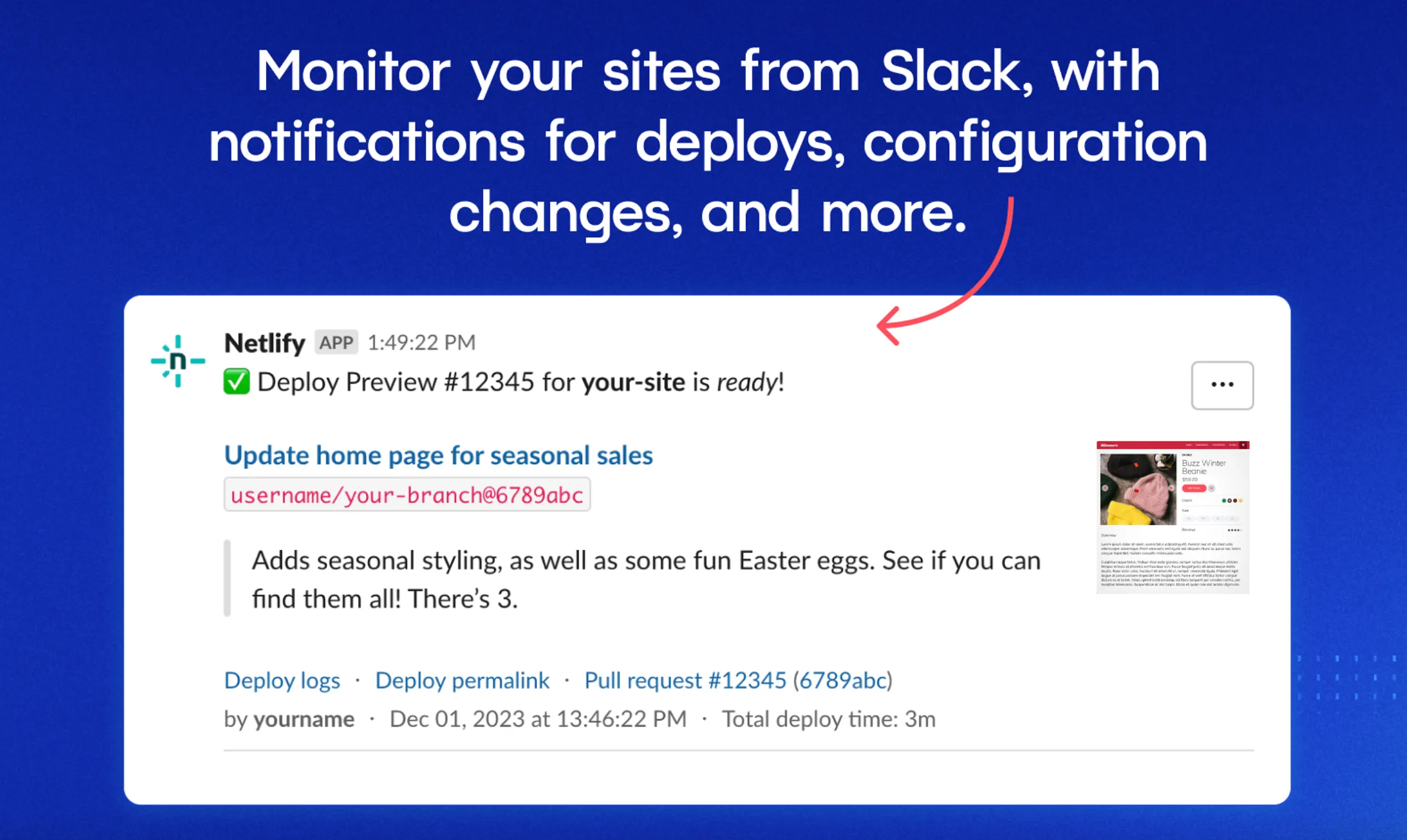
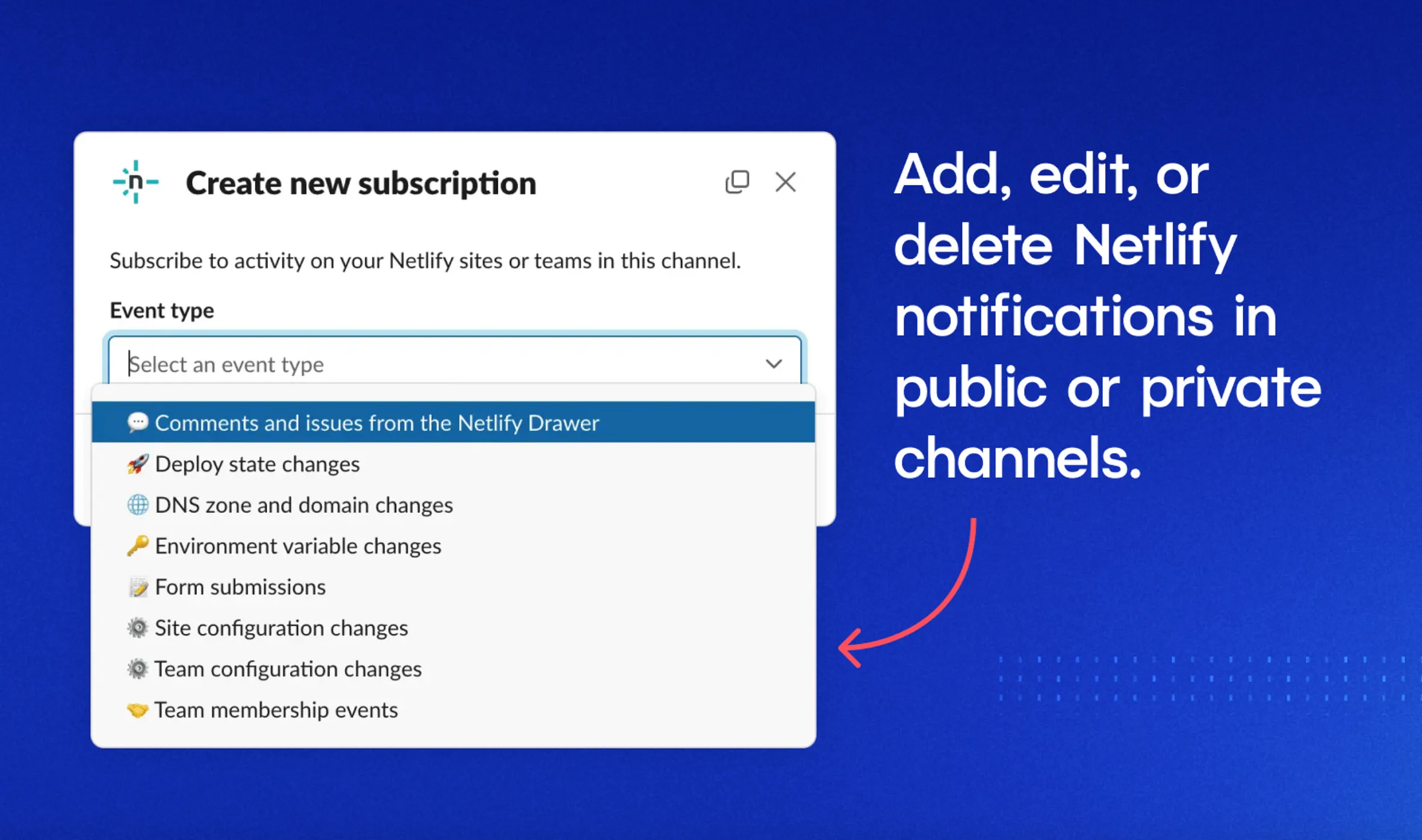
Deploy state changes
A deploy goes through distinct states as it moves through the build and release process. Netlify tracks each of these events and can send notifications to Slack so your team knows exactly what stage a deploy is in.
Real time updates on builds and deploy state changes can include:
- Build started – help PMs track build status
- Build failed – catch errors immediately, speed up production time, and understand why a build went wrong
- Deploy successful – keep the whole team up to date on project status
- Deploy preview ready – shorten feedback loops between teammates
With the Netlify Pro plan, you can toggle your Slack settings so that your whole team, or specified channels, receive deploy state changes – saving you the hassle of keeping multiple stakeholders informed.
Environment variable changes
Enabling Slack notifications for changes to environment variables can help you catch configuration mistakes before production breaks.
When Netlify posts an alert to Slack for environment variable changes, it solves a major visibility gap in your workflow, allowing you to:
- Catch risky changes and modifications to variables
- Improve security and auditability by tracking who changed what
- Prevent downtime and regression by catching mistakes before they go live
Form submissions Instant lead notifications for form submissions are invaluable to devs. This is because they’re often tied to critical workflows.
When you connect Netlify Forms + Slack, you create a live feedback loop between your users and your code—without needing to open your inbox or dig through backend logs. Form notifications can:
- Prove that everything is working and that the frontend, backend, and Netlify forms are connected properly.
- Spot issues before users report them
- Tie increased leads or user actions to code changes
- Be shared across teams, making it easy for marketing and creative teams to track submissions in real time alongside developers.
- Help gather user feedback and improve user experience
Avoid debugging with real-time alerts
Let’s consider a real world scenario.
One of your team members is using Claude Code to scaffold a new checkout flow while simultaneously refactoring older account settings code. They ship both features within an hour. One of those commits accidentally overwrites a critical environment variable tied to billing.
- Without the Slack integration, there’s no alert about the env var change. The issue goes unnoticed until customers report problems checking out. Debugging wastes half a day.
- On Pro with Slack, the environment variable change triggers an immediate Slack alert to the #devops channel. A teammate spots the mistake and reverts it in minutes — saving hours of downtime and preserving user trust.
No wasted days spent debugging. No angry email chains. Just the visibility you need to put out fires before they even start.
Integrate “Ask Netlify” AI
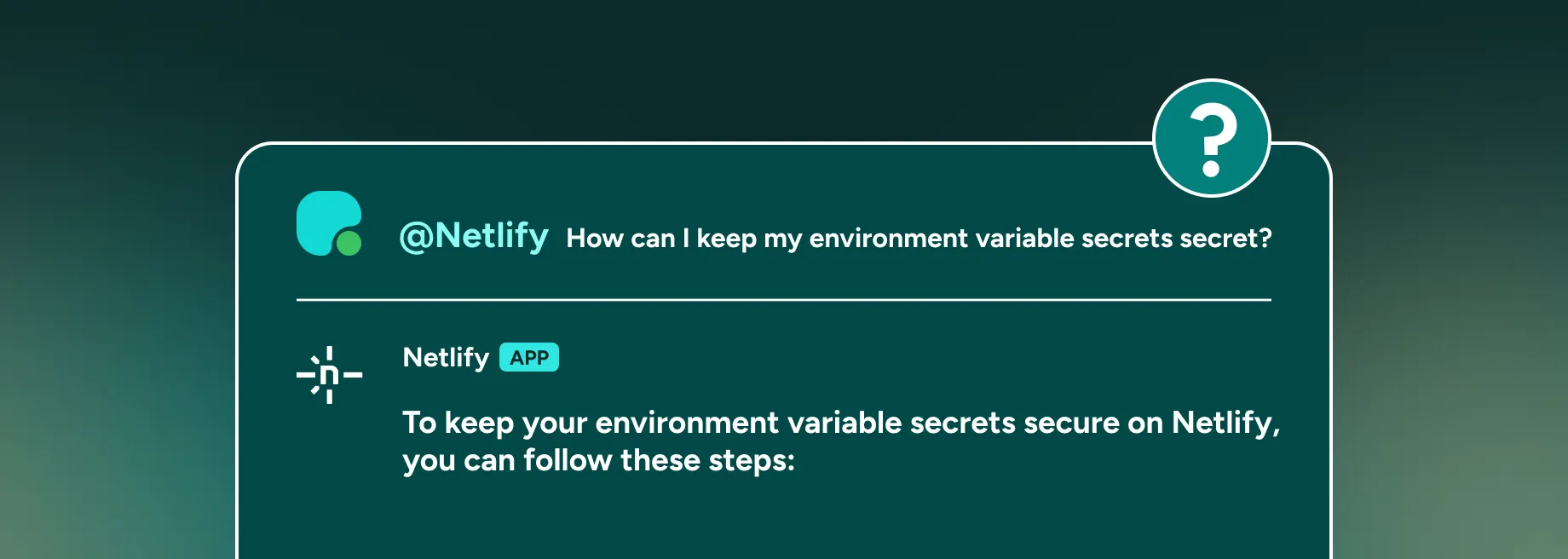
When you integrate Netlify and Slack, you can invite Ask Netlify, our AI chatbot, into the channel of your choice by entering @netlify.
Ask Netlify responds to product questions, with every response sourced from Netlify’s product documentation, blog posts, and support forum.
How Netlify Pro changes the game
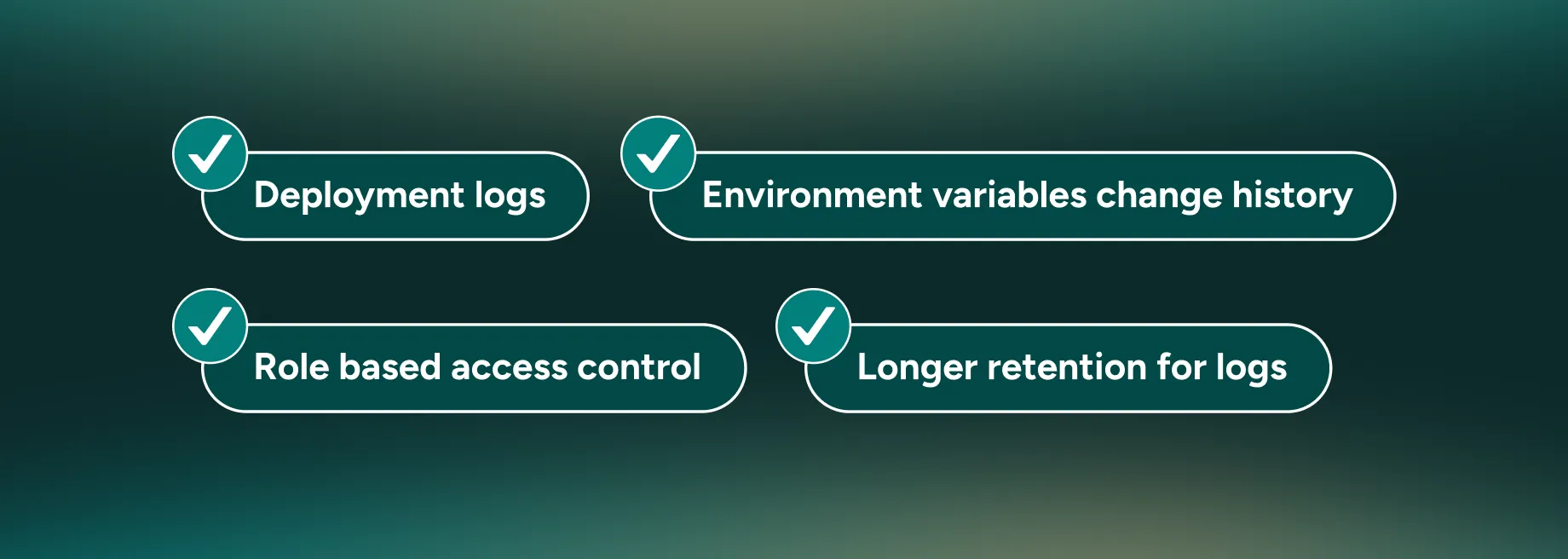
Netlify’s free plan can give you some real-time visibility, but that only goes so far. If you want to act on alerts quickly, confidently, and with more control, Netlify Pro unlocks the features that make the Slack connection truly powerful.
Want to compare plans and pricing? Check out our pricing and features list.
To read more about integrating Slack and Netlify, check out our setup documentation.
Not yet on Netlify? Request a custom demo of our platform.