Developers at growing companies often find themselves building the same small pieces of marketing infrastructure repeatedly. Event landing pages, waitlists, campaign microsites, and signup workflows tend to share the same structure, even though each request is slightly different.
The first time you build one of these pages, it makes sense, it feels like a normal project. By the fifth time, it’s starting to feel like Groundhog’s Day.
With Agent Runners and prompt templates you can now encode these patterns once so your marketing team can reuse them in a few clicks without requiring engineering time for every campaign. Marketing gains the autonomy to launch pages quickly, while developers maintain control over how those pages are built.
What are prompt templates?
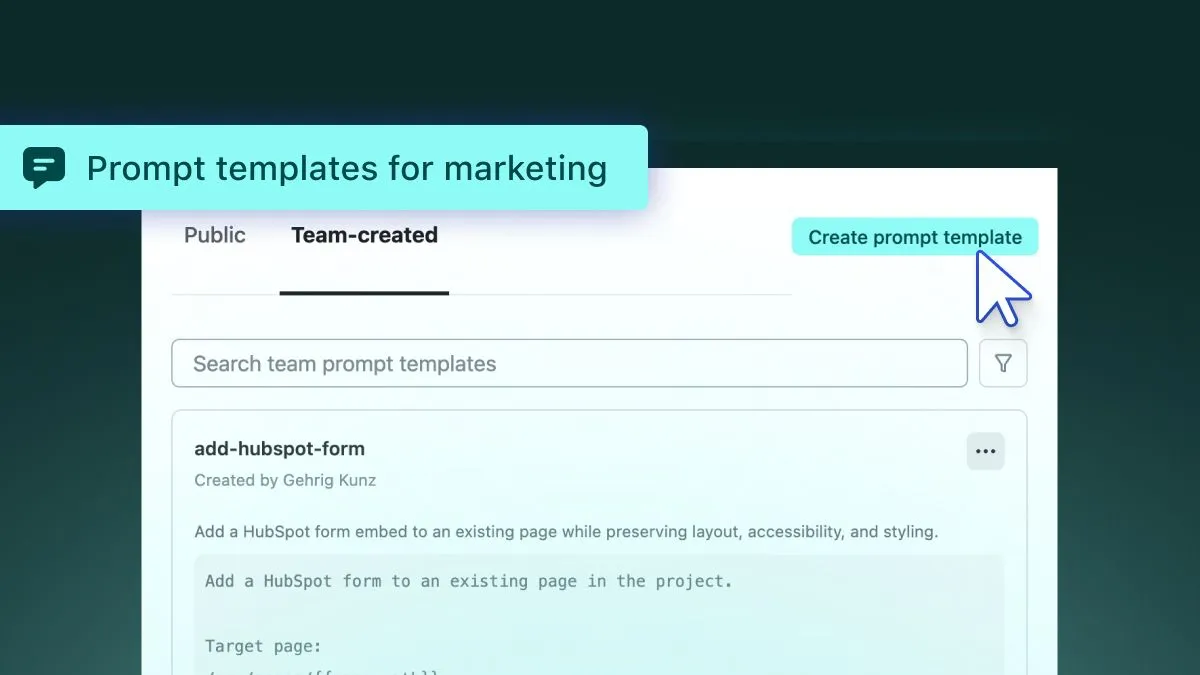
Netlify prompt templates are saved, reusable prompts that run inside your project with Agent Runners. Instead of rewriting instructions, you define the pattern once — with variables included — and your team runs it whenever they need it again.
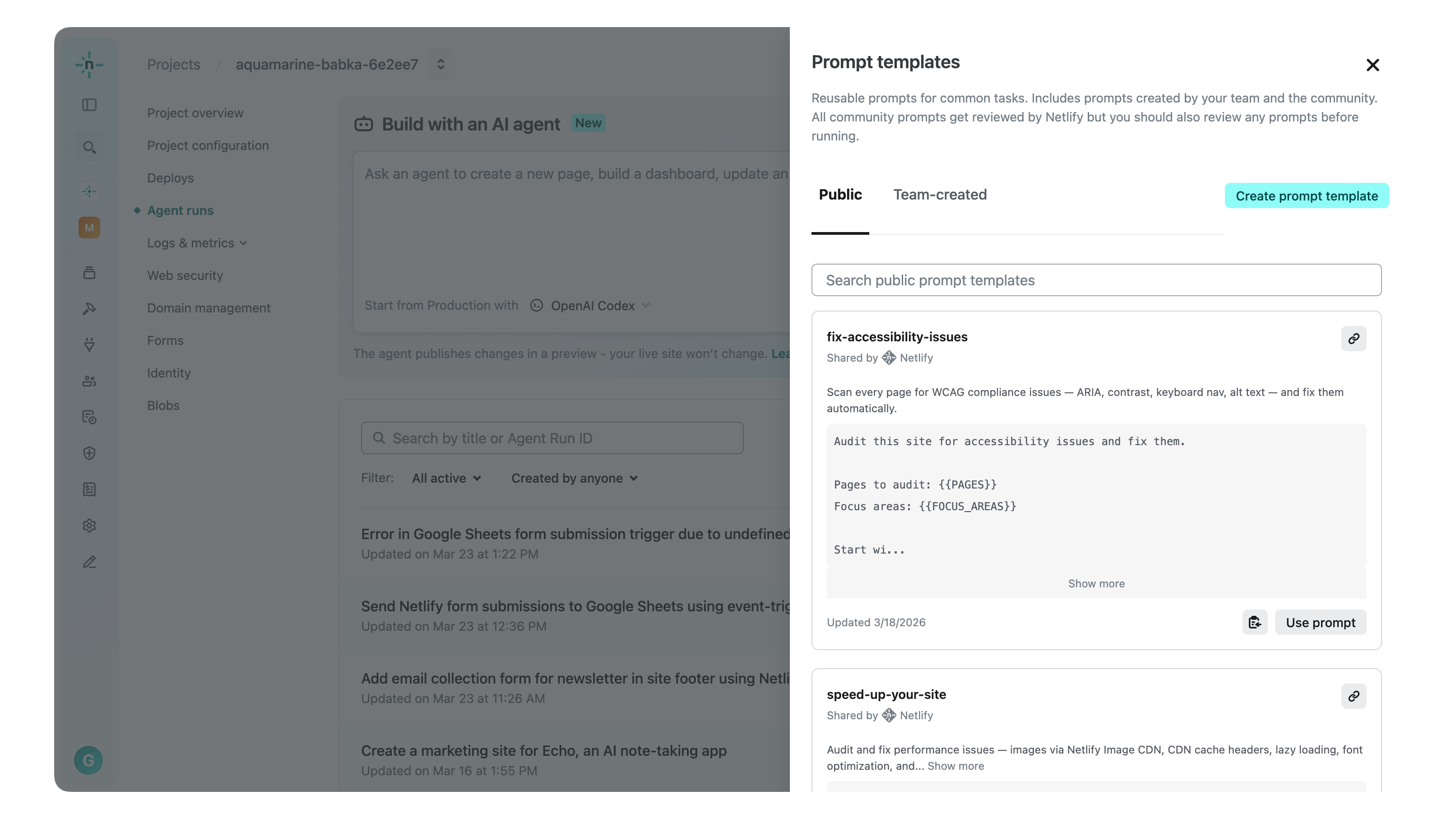
In this post, we’ll walk through a practical example of turning a campaign page pattern into a reusable private team template that marketing can run whenever they need to launch a new page.
Step 1: Build the canonical campaign page
Start by building the page you want reused. This page becomes the reference implementation for future campaigns.
For example:
/src/pages/campaigns/_template.tsx
Include the structure your campaigns typically need:
- The layout defined by your design system
- Appropriate SEO metadata
- A Netlify Form for capturing interest or registrations
- Accessibility considerations from the start
Step 2: Create the reusable prompt template for marketing
Then, once you have your starting page, create a higher-level prompt template that exposes only the variables a marketer needs to provide.
Create a new campaign page from the template at:/src/pages/campaigns/_template
Campaign name: {{campaign_name}}Headline: {{headline}}Description: {{description}}Event date: {{date}}CTA text: {{cta_text}}URL slug: {{slug}}
Preserve layout and form structure.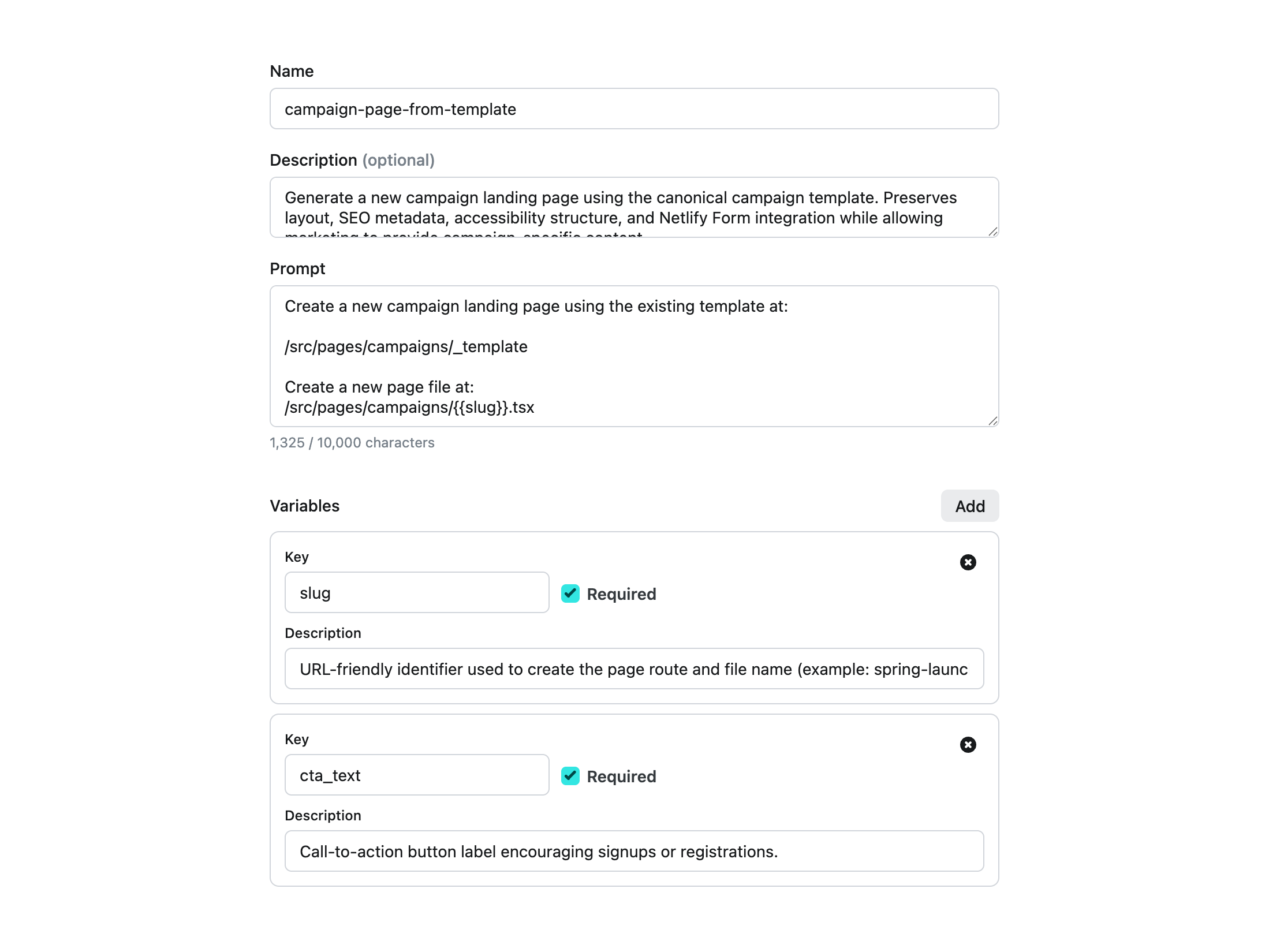
This template duplicates the canonical page, let’s the marketer updates the necessary content by entering variables, and keeps everything structural intact.
Marketing provides campaign content. The implementation stays consistent.
Step 3: Marketing creates a new campaign page
When marketing needs a new event or campaign page, they run the template and provide the campaign details.
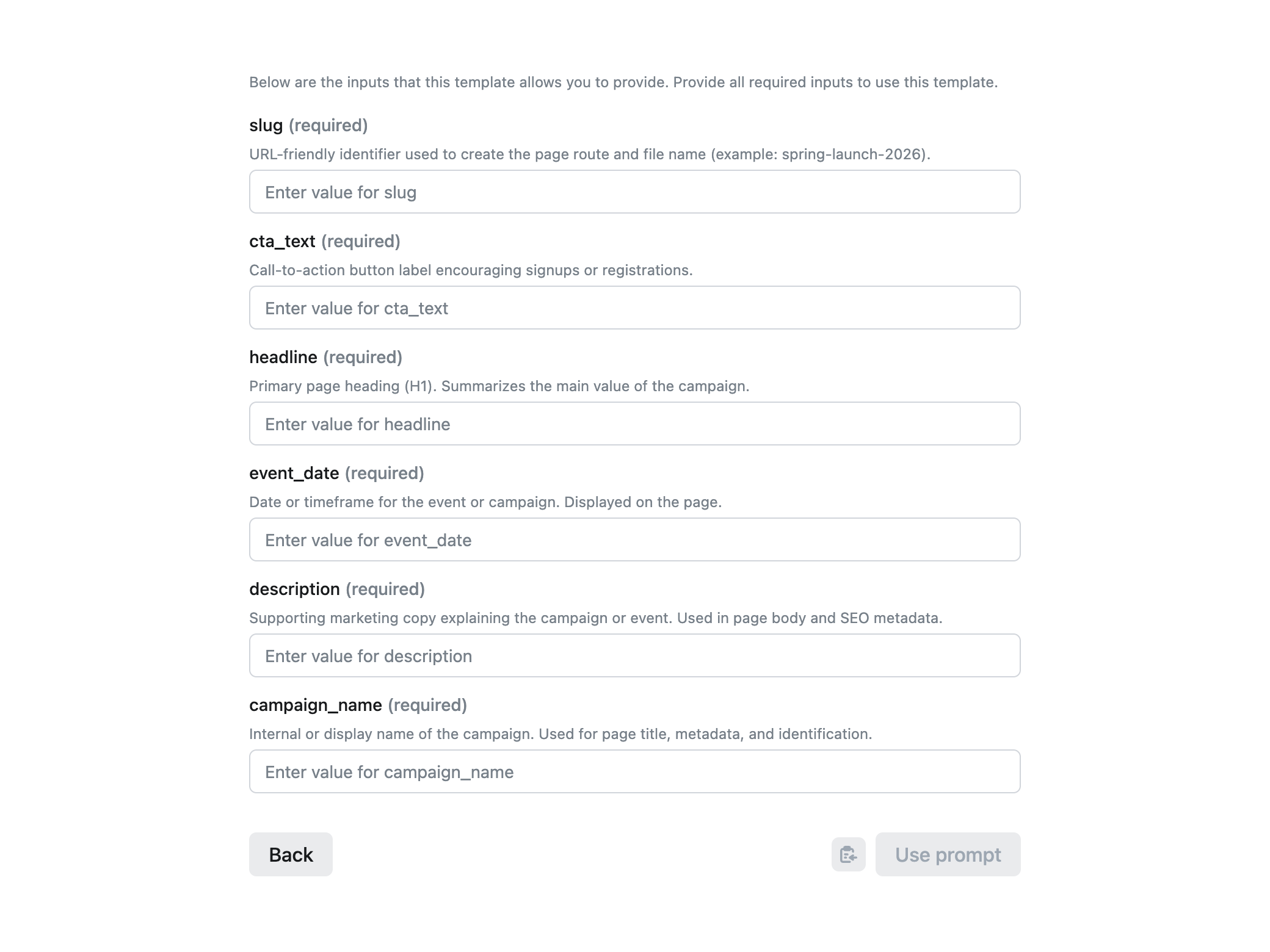
They’re not configuring routing, managing forms, or touching layout code. They’re simply doing content work, filling in campaign details and running the template.
The result is a production-ready page that:
- Follows the same structure as every campaign page
- Captures submissions consistently
- Meets SEO and accessibility standards
Form responses automatically appear in the Netlify Dashboard, where teams can review submissions or connect additional workflows.
The result is a repeatable system
After this setup:
- Developers no longer rebuild infrastructure for every campaign
- Marketing launches pages independently
- Each page follows the same implementation pattern
When new requests and patterns arise such as webinar pages, waitlists, or product announcements the solution can become another template, not another project.
Extending the workflow
What’s great is this work is fully extendable; teams can edit or create new prompt templates that build upon each other and your codebase.
For example you could create prompt templates to:
- Send submissions to HubSpot
- Trigger confirmation emails
- Generate OG images using Netlify AI Gateway
Each integration can be implemented as an additional, ready-to-use again and again prompt template.
Agent Runners and prompt templates let you preserve engineering decisions rather than bypassing them. Developers encode a pattern once and marketing can reuse as many times as needed. The result is faster campaign launches, more consistent pages, and less repeated work, without adding a new tool or workflow to your stack.
Get familier with our existing prompt templates in docs or create your own for your team or the community.