Posts tagged "Logs"
-
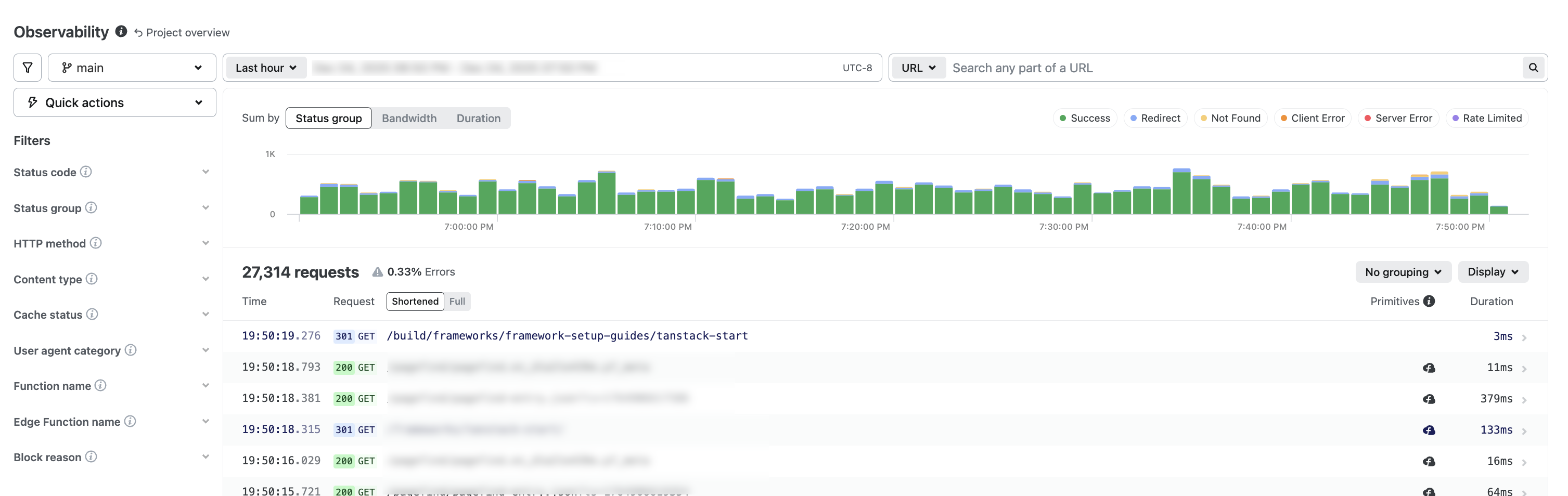
Netlify Observability offers real-time visibility into your project’s production performance and resource usage.
Monitor requests, bandwidth, runtime behavior, functions, and Edge Functions to understand how your web project operates in production, fix errors, and optimize web performance.
Get a deep feature tour from our Observability blog post.
Try Observability
From your project overview, select Logs & metrics > Observability. To expand details for a request, select a request.
Availability
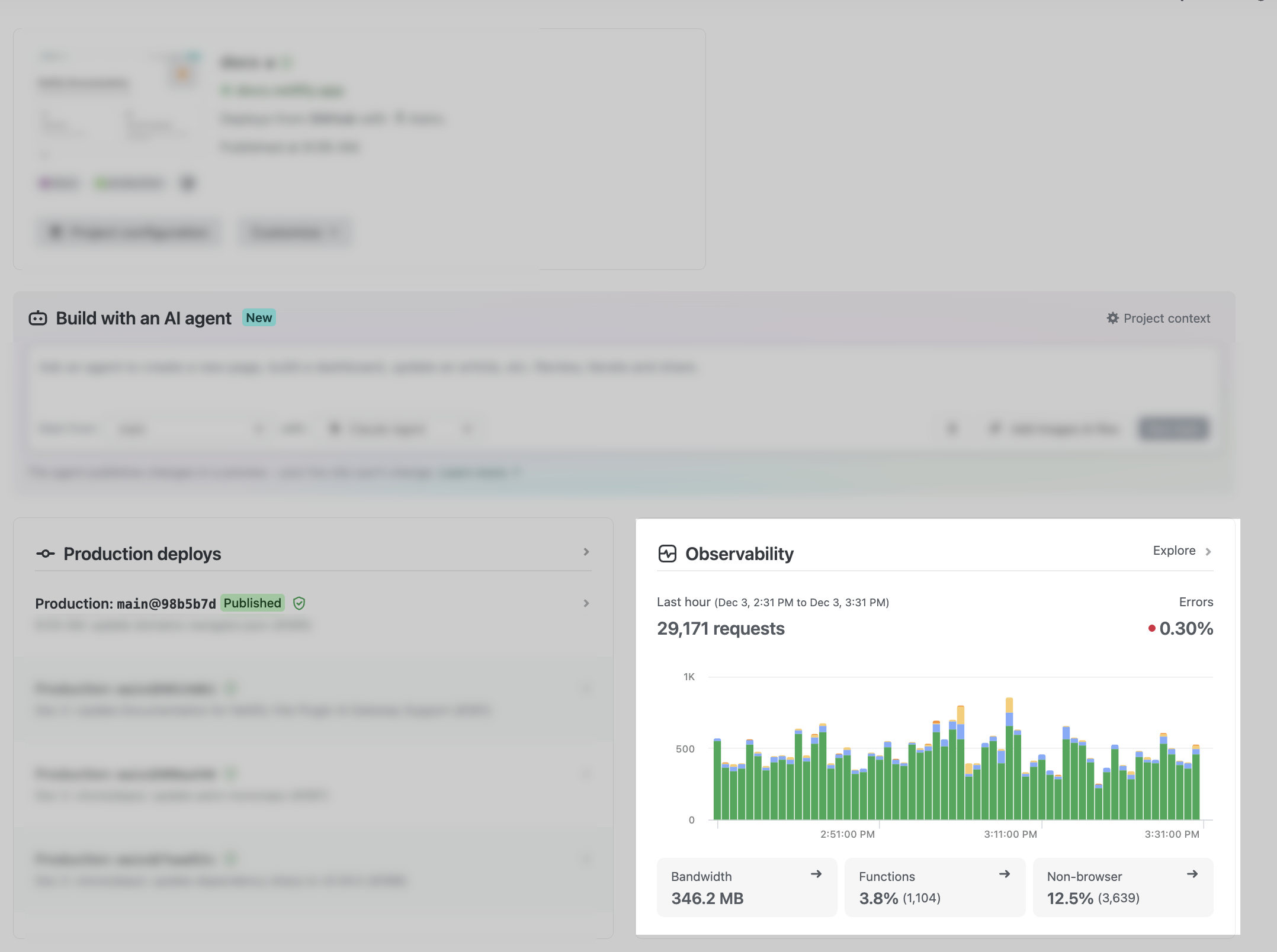
Observability is available for Credit-based plans and Enterprise plans. If you have a Legacy pricing plan, you can get a sneak peek at your observability data by checking out the widget from your Project Overview.
Credit-based plan Time filter available Free Past 24 hours Personal Past 7 days Pro Past 30 days Enterprise plan Time filter available Any opted-in Enterprise plan Past 30 days Note that if you have a Credit-based plan or have Observability enabled for an Enterprise plan, then Function Metrics will no longer be available to you as it is replaced by Observability.
If you do not have Observability, then Function Metrics will continue to be available to you.
Learn more in our Function metrics docs.
Other monitoring updates
As part of monitoring updates, we have also updated the names of some of our monitoring features.
Old name New name Real User Metrics Real User Monitoring Project analytics (formerly site analytics) Web analytics Further info
To learn more, check out Observability docs.
-
Following the release of a new API for partners to deploy fullstack apps, we’re now introducing another addition, an API to access Functions and Edge Functions logs.
AI agents and integrations can now analyze more of Netlify logs in real-time to troubleshoot issues with deploys and functions automatically.
Ready to use it? Check out this guide!
-
Following the release of a new API for partners to deploy fullstack apps, we’re now introducing another powerful addition, an API to access deployment logs.
AI agents and integrations can now analyze logs in real-time to troubleshoot and fix deployment issues automatically.
Ready to use it? Check out this guide!