Push to Git, and that's it
Netlify Build is modern CI/CD infrastructure for frontend teams, pre-configured and fully automated so you can focus on writing code that moves your projects forward.
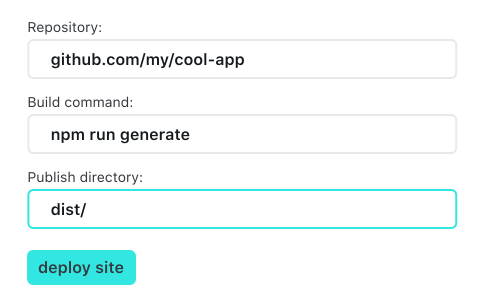
Effortless continuous deployment for sites and apps
From Git push to global deployment, Netlify Build handles the entire process so you can ship with confidence.
All the automation you need for web projects
Netlify eliminates the overhead of traditional CI/CD. There’s no need to manage servers, containers, or complex pipelines. Ship confidently knowing every preview matches production.
- No servers or containers to manage
- Consistent previews that match production
- Confident, predictable releases
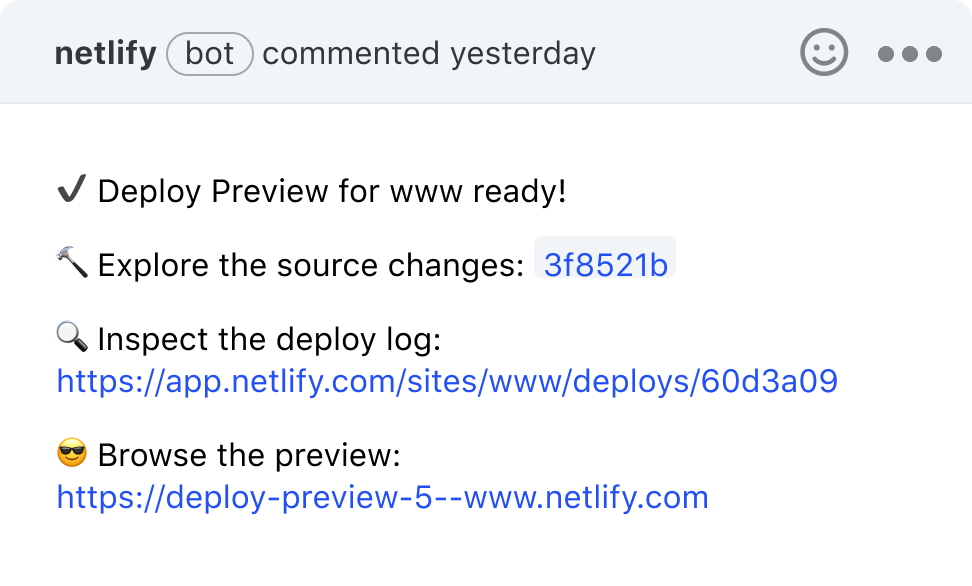
Effortless previews and rollbacks
Automatically deploy a preview for every branch and attach unique preview URLs to every Pull or Merge Request. Netlify also preserves historical production versions for instant, worry-free rollbacks.
- Preview every branch automatically
- Historical versions preserved
- Instant production rollbacks
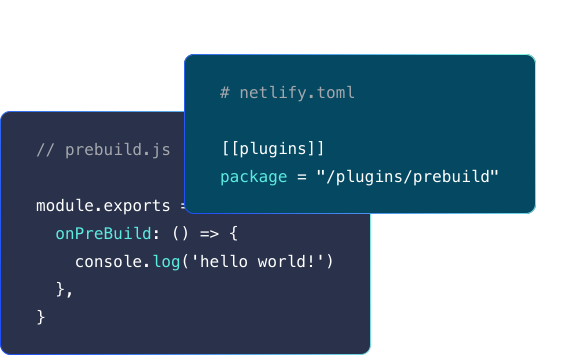
Customize every step of your build
Extend Netlify Build with plugins or your own custom logic. Use the Build API to hook into any stage of the build and deployment lifecycle.
- Install or create custom plugins
- Hook into any build lifecycle stage
- Extend builds with custom logic
Run tests and checks during every build
Add automated tests to your deploy pipeline, enforce performance and accessibility standards, or trigger post-deploy services like search indexing.
- Automate tests in the build pipeline
- Enforce performance and accessibility checks
- Trigger post-deploy services automatically
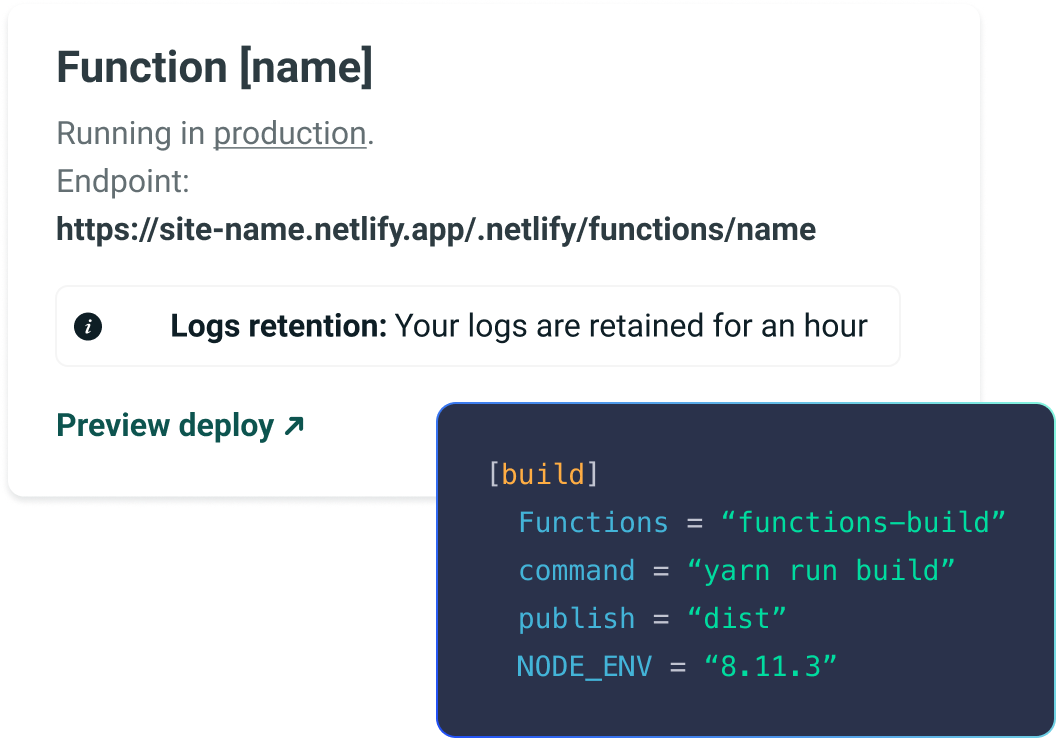
Deploy frontend and backend from one repo
Deploy your entire application seamlessly. Netlify automatically routes frontend code and backend functions to the right infrastructure with no maintenance window required.
- Deploy frontend and backend together
- Automatic routing to proper infrastructure
- No maintenance window needed
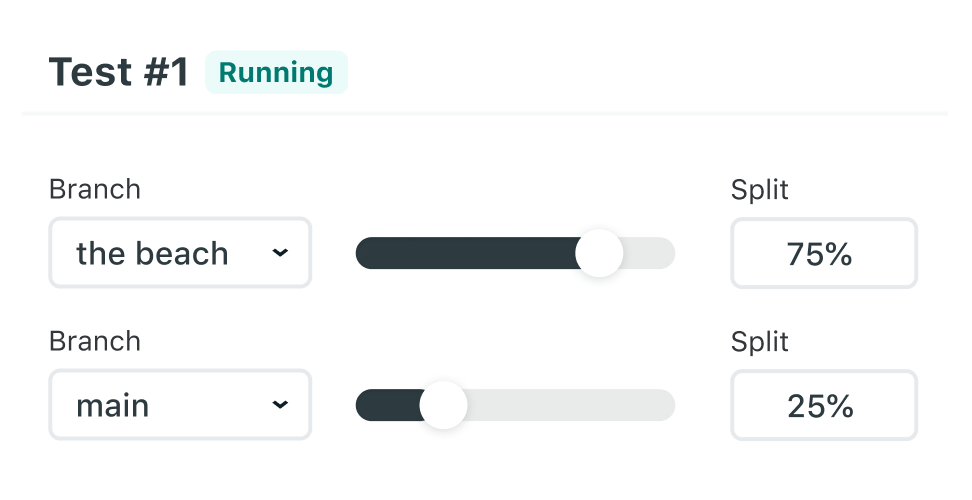
Run A/B tests and phased rollouts
Deploy multiple branches, control which users see which version, and run full experiments that span both frontend and backend. Go beyond simple UI tests to validate complete user workflows.
- Test multiple branches in production
- Control user exposure by version
- Experiment with full workflows
Jam-packed with features
Moving all LiveChat websites to Netlify has empowered our Web Dev Team to iterate fast and independently.

Upgrade to High-Performance for even more speed and reliability.
Have a large team or demanding projects? Upgrade to High-Performance Build for even more power and control.