Everyone remembers their first time. You throw a prompt into Claude or Cursor, and suddenly you have a working app. It’s genuinely magical.
Then you do it again…And somewhere you notice things aren’t quite right. You’ve got three files that do almost the same thing. Your drizzle schema doesn’t match your database. Every component is somehow purple. It looks like an app, but it’s held together to a point that feels like the bubble just might burst.
This is the vibe coding plateau.
Most developers hit this wall and swing back toward traditional workflows. You start asking Claude Code to make a plan before implementing. You create markdown files describing your architecture. You manually maintain context between sessions. It works, but it feels like you’re fighting the tool instead of flowing with it.
What if the tool was built for this from the start? This is how Kiro started and why we’re excited to offer one of the first Kiro powers for Netlify.
An IDE for actual AI development
Kiro, created by AWS, isn’t another VS Code fork with a chat panel bolted on. It’s rethought for the way AI-assisted development actually plays out today.
Compared to your typical VS Code or Cursor there are a few refreshing concepts worth understanding:
Specs instead of prompts
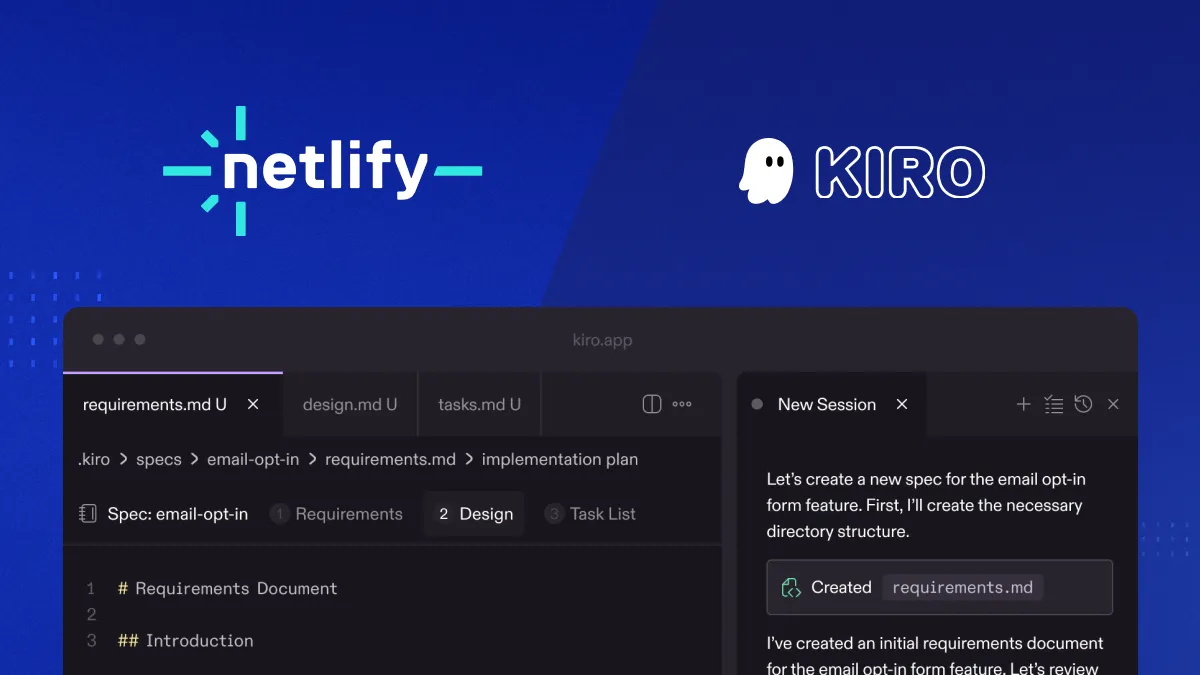
When you ask Kiro to build something, it doesn’t just start writing code. It generates a spec first: requirements, acceptance criteria, an implementation plan. You review and adjust before any code gets written.
This sounds like overhead until you realize it’s exactly what you were doing manually when vibe coding stopped working. Kiro just makes it the default flow.
Steering files
A steering file is a markdown doc that tells Kiro about your project: what stack you’re using, what conventions you follow, where things should go. Instead of re-explaining your architecture every session, you write it once and Kiro references it automatically. No more adding “remember, we’re using the tailwind” to every prompt.
Hooks
Kiro can run automated tasks on events. Optional, but useful once your project has enough surface area that keeping everything in sync manually becomes a chore. Helpful for repetitive downstream tasks like generating tests when you save a file, updating docs when code changes, suggesting commit messages.
Kiro powers give AI agents the context they actually need
And one of its latest features is where it gets interesting for Netlify developers, Kiro powers. A core problem with AI coding assistants is they’re generalists. They can write code, but they don’t know the specific best practices for your platform, your database, your UI framework. You end up babysitting the agent or overwhelming it with docs producing lesser results.
Powers take a different approach. A power is a downloadable bundle of MCP servers, steering files, and hooks packaged together that gives Kiro agents the tools and context for specific tasks. What’s unique is agents load these only when needed. Reducing that context overload or confusion from irrelevant information for better efficiency.
What you can do with Kiro and Netlify today
Netlify is one of the first powers available. We worked with the Kiro team to package Netlify’s deployment best practices into something agents can grab on demand.
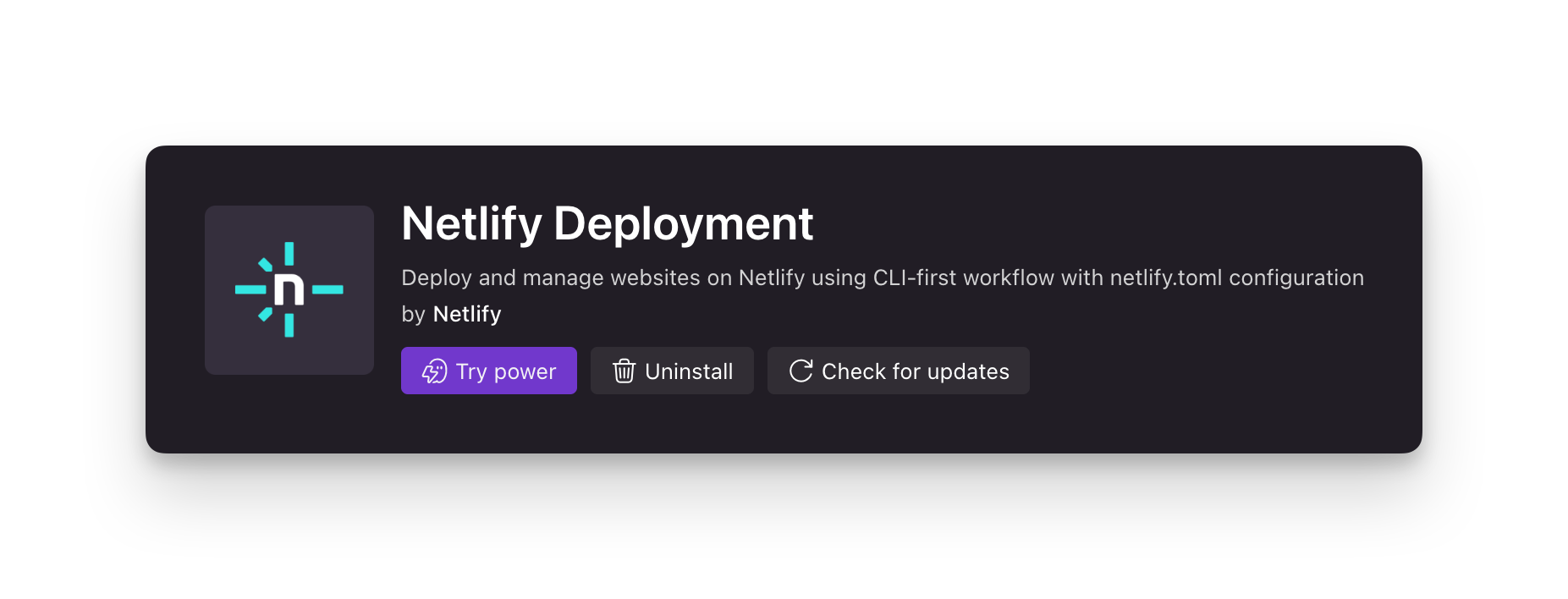
You can go from a natural language prompt of a feature to deployed, working code and shareable URL in minutes. With it, you can:
- Deploy an app to Netlify directly from Kiro with correct configuration
- Get a properly structured
netlify.tomlfor your framework - Have build commands and settings configured correctly the first time
- Get a live deploy preview URL that’s instantly shareable
Because the Kiro power from Netlify gives the agent targeted context, it makes deployments using our best practices, not generic assumptions. The code structure, the config files, the function routing it’s set up for Netlify from the first generation.
From dev to deployment in one flow
AI has accelerated the development part of the workflow. But the gap between “code that works locally” and “code that’s deployed and production-ready” is often stubbornly manual. You still configure, you still troubleshoot platform-specific issues, you still translate what the AI generated into what your infrastructure expects.
Powers bridge that gap by giving agents access to the same knowledge experienced developers have about specific platforms. The Netlify power lets agents take you from spec to deployed, production-ready app.
We’ll continue to expand what the power covers. The vision is to be able to spin up everything your app needs–functions, storage, database connections, environment config–from a single prompt, deployed to production in one shot. We’re not fully there yet, but we’re excited to be.
For tools like Kiro, Windsurf, and others that support MCP and context loading, we want Netlify’s best practices available on demand and all the batteries included your app can ever need. You focus on what you’re building. The AI handles the platform-specific details because it has the right context at the right time.
Try it
Download Kiro and create a project. Add the Netlify power from the Kiro powers catalog. Let us know what works and what you wish you could do.
This is early. But if you’ve hit the vibe coding plateau and want a more structured path forward, Kiro is worth exploring and the Netlify power means your deployment workflow is covered.