Block project transfers out of your team
May 8, 2026
Team Owners can now guarantee that projects stay within the team to meet compliance or ownership requirements by blocking every project from being transferred to another team.
Once a Team Owner blocks project transfers out of the team, even the Team Owner cannot transfer projects out of the team unless they change this setting, which is tracked in the team’s audit log.
Try it out
To change the setting, go to Team settings > Access & security > Transfer site settings and select Edit settings.
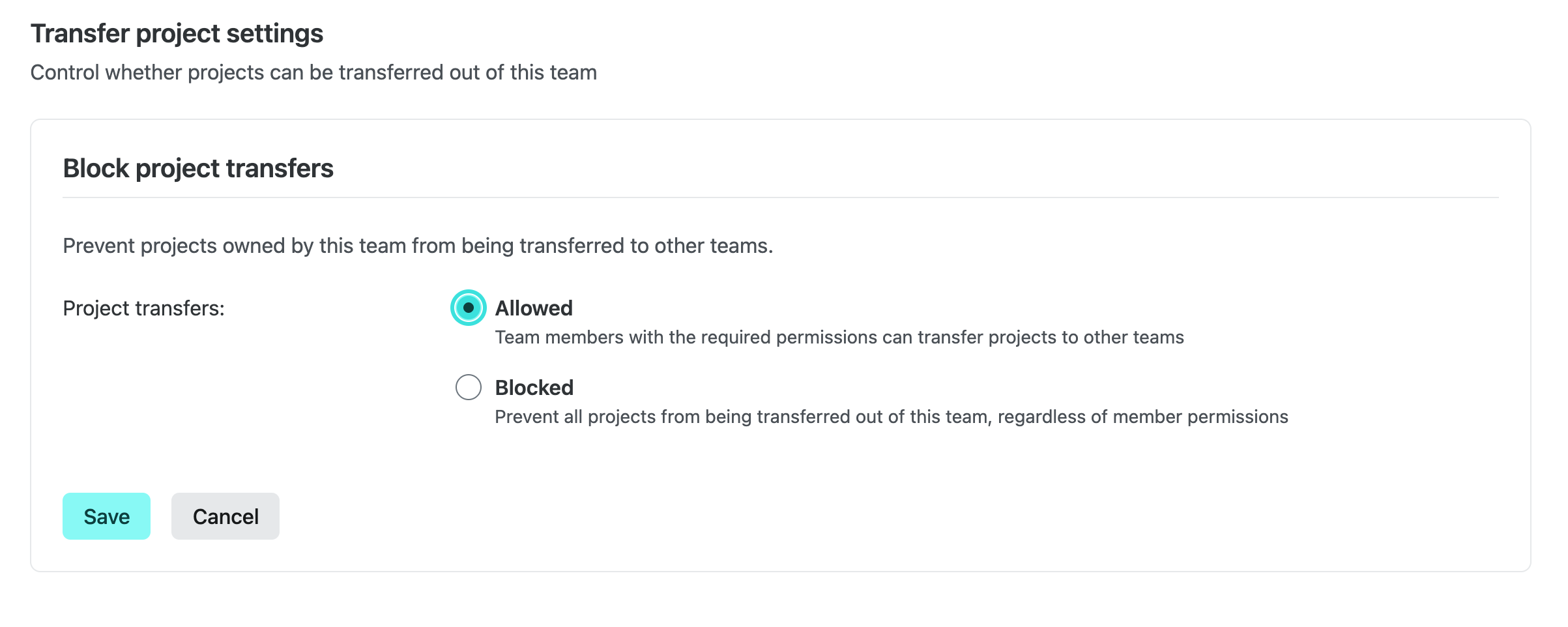
When transfers are blocked, the Transfer project action is hidden for every project owned by the team and the backend rejects transfer requests for those projects.
Enterprise defaults
Enterprise teams start with project transfers set to Blocked for security reasons, but Team Owners can change this setting to Allowed at any time. Only Team Owners can change this setting and changes are recorded in the team audit log.
Learn more
Learn more in our docs on Transferring a project.