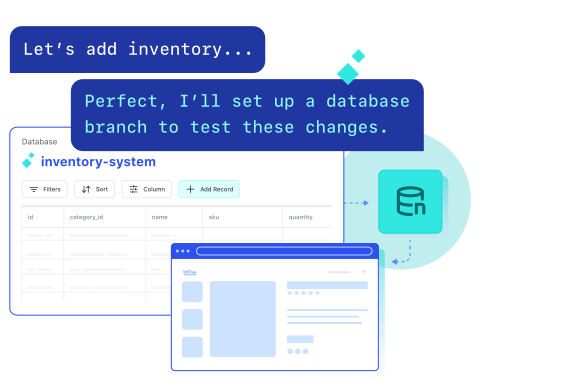
What is Netlify Database?
A fully managed Postgres database that’s built into your Netlify project. It spins up when your app needs one, branches with every preview, and handles migrations automatically.
Do I need to know how to code to use it?
No. When you build with an AI tool or agent, it figures out if a database is needed and sets one up as part of the run. You describe what you want to build and the database side is handled for you.
What kinds of apps need a database?
Anything that stores or retrieves information: an online store, a booking app, a customer portal, a team dashboard, a health tracker. If your app needs to remember something, it probably needs a database.
How does pricing work?
Netlify Database is available on all credit-based plans. You only pay for compute and bandwidth while a branch is active. Branches that aren’t in use don’t cost anything. Storage, compute, and branch limits vary by plan. See full pricing limits.
How do agents stay out of my live data?
Every agent run happens in its own isolated branch. Agents can’t touch production data until you review and approve what they’ve built.
What’s powering it under the hood?
Netlify Database is built on Neon, a serverless Postgres engine. The full setup and management experience is handled by Netlify. You won’t need to interact with Neon directly.
How do I get started?
If you’re building with an AI coding tool like Claude Code or Cursor, visit netlify.ai to connect Netlify and get started. If you’re building directly in Netlify, sign up and use Agent Runners from your dashboard — describe what you want to build and the database gets handled automatically.